

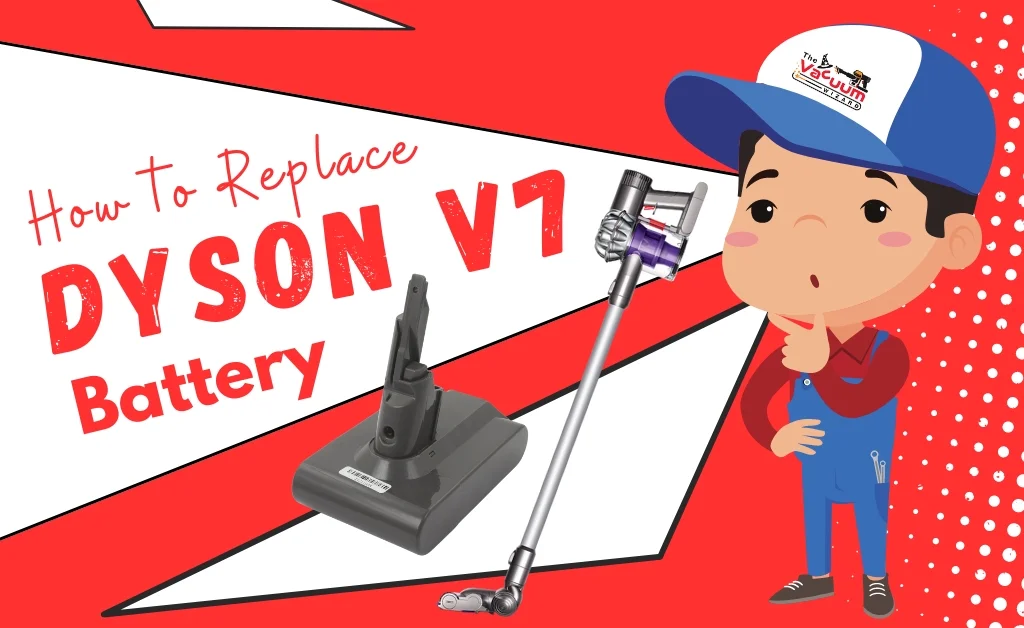
How to Replace Dyson V7 Battery?

Is your Dyson V7 cordless vacuum not holding suction or running out of power as quickly as before? This could indicate that the battery needs to be replaced. Replacing the battery is a straightforward process that can restore your vacuum’s performance. This guide will take you through the process of how to replace V7 battery with ease. By following the battery replacement steps correctly, you can restore your vacuum’s performance and efficiently clean again.
Signs Your Dyson V7 Battery Needs Replacing
Before replacing your battery, verify if it’s the problem. Here are some signs that might indicate a faulty battery:
- If your vacuum displays a red flashing light that blinks more than 12 times, it’s usually a sign of a battery problem.
- If the vacuum loses power quickly, it could indicate that the battery is no longer holding a charge and may need to be replaced.
- If your vacuum cleaner won’t charge even when it’s plugged in, the battery might be faulty and require replacement.

Tools You Need
- Replacement battery for Dyson V7
- Phillips screwdriver
- A clean, dry workspace

Important Safety Tips
Before starting the replacement steps, please follow these safety guidelines.
- Ensure your vacuum is completely unplugged and turned off.
- Work in a well-lit, dry area.
- Properly dispose of the old battery according to local regulations and guidelines for electronic waste.

Step-by-Step Guide to Replacing the Dyson V7 Battery
Follow this step-by-step guide to replace your battery at home.
Step 1: Remove the Battery Pack
- To remove the V7 battery pack, you’ll need to unscrew 3 Philips screws. One screw is located on the handle, while the other two are on the bottom of the vacuum.
- Carefully detach the battery: After unscrewing the screws, pull the battery pack away from the vacuum’s body. Handle both the vacuum and battery with care.

Step 2: Dispose of the Old Battery Properly
- After removing the old battery, properly dispose of your old vacuum battery. For disposal, follow your local guidelines for electronic waste.

Step 3: Replace the Old Battery with New
- Take your new Dyson V7 battery or any part and align it with the vacuum, ensuring it fits securely.
- Using the same screws you removed earlier (or the new screws provided with the replacement battery), secure the new battery in place.

Step 4: Test the New Battery
- After installing the new battery, fully charge the vacuum cleaner. Then, test it to make sure it’s working properly.

Tips for Prolonging Dyson V7 Battery Life
Follow these tips to maximize your new battery life:
- Once your vacuum battery is fully charged, unplug the vacuum to prevent battery damage.
- For regular cleaning, use the Eco mode instead of Max mode, as it consumes less battery power.
- To extend the life of your vacuum battery, clean the filters and remove debris from the vacuum regularly to reduce the strain on the motor and battery.
Conclusion
Replacing the battery in your Dyson V7 cordless vacuum is a very simple and easy process that requires minimal tools and time. By following the steps outlined in this guide, you can restore your vacuum’s performance and extend the battery lifespan. Always handle the battery with care and dispose of the old one responsibly.